| NOTE: This feature is available in the Professional and Enterprise versions of both Spectra and myStratus Desktop. |
For your social event sessions (such as weddings) you can keep track of the other suppliers involved in the event. To do this you'll set up both supplier types and individual suppliers. Start by setting up your Social Event Supplier Types.
-
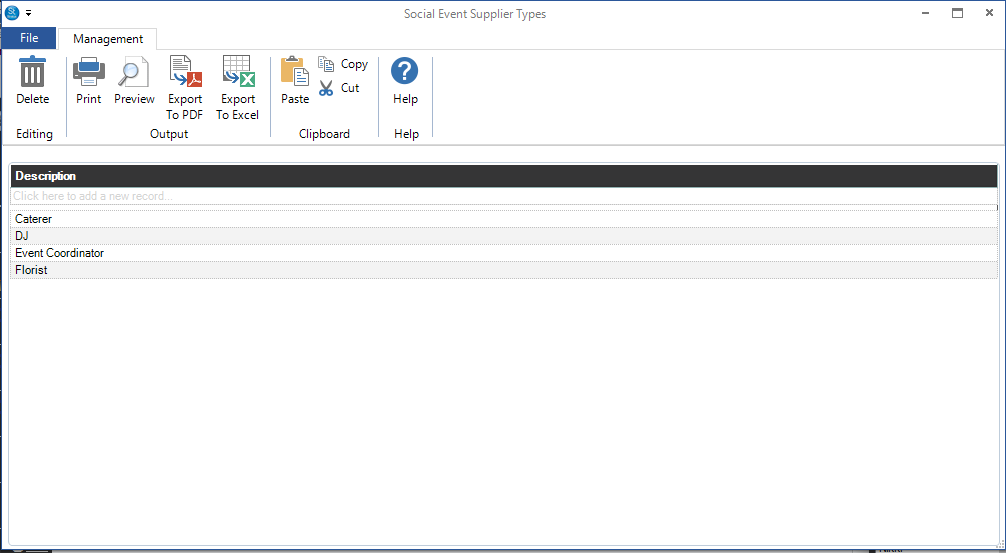
Go to Maintenance > Session > Social Event Supplier Types and create the types of suppliers you want to track, such as caterer, florist, and so on.
-
After you've set up the supplier types, click Modify Social Event Suppliers (or go to Maintenance > Session > Social Event Suppliers) and enter the individual suppliers. See also: Social Event Suppliers